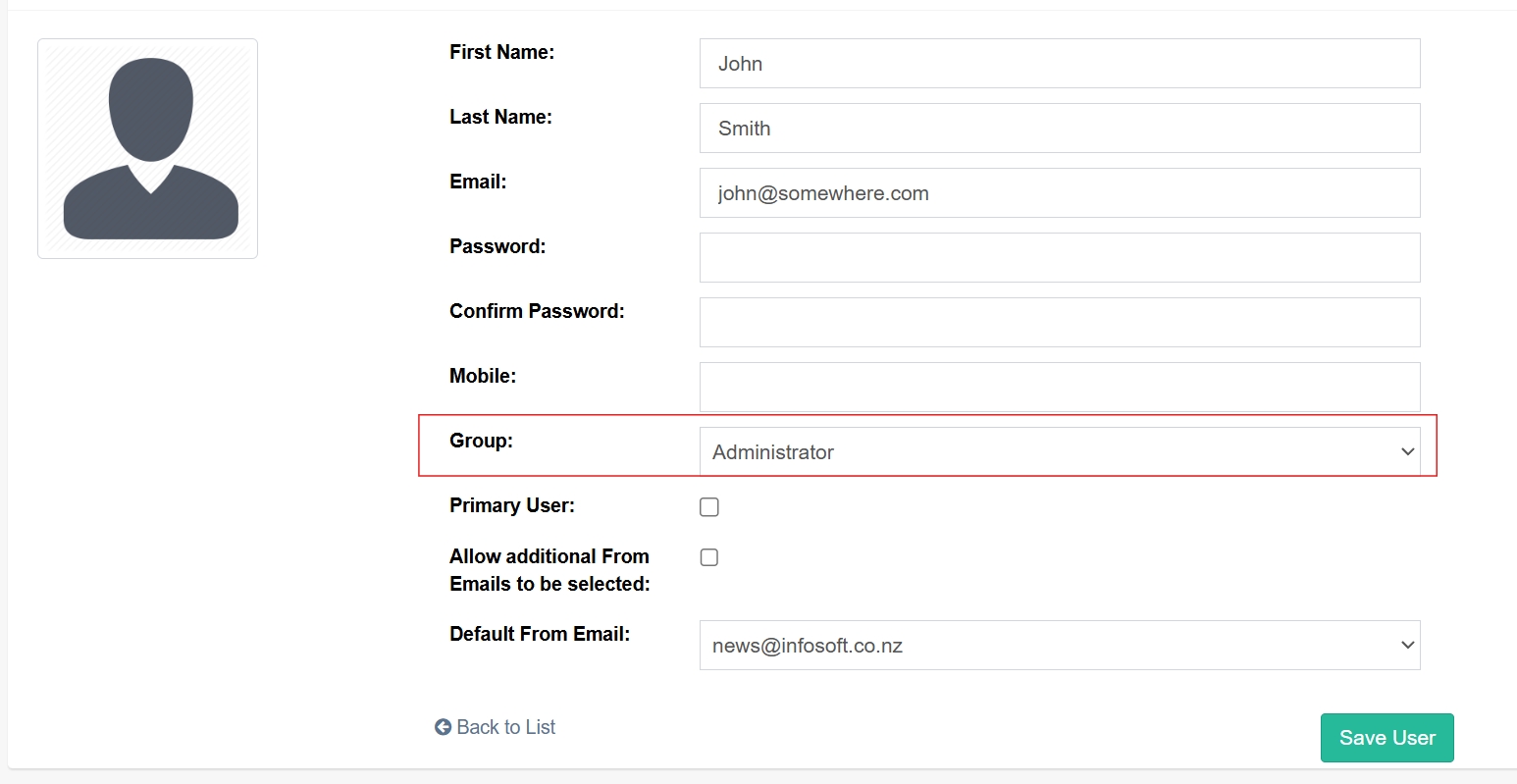
This section show how groups can be applied to users to define what each user will have access to in FundraiserOne.
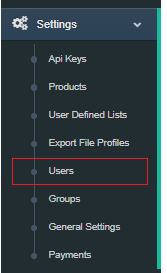
Step 1: From the menu go to Settings and select Users.
Step 2: Select user by press the Edit button for the user.

Step 3: Select the Group for the user this means the selected user will inherit the permissions of he group that is applied.