

Groups Permissions is where the access rights are set to the various sections in FundraiserOne. Once the access has been set up the group is then assigned to users. There is not limits on how many groups can be created.
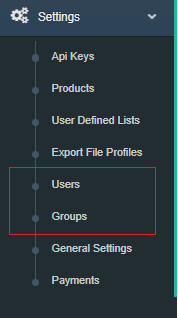
Groups can be access from the Settings Menu and by selecting Groups.
The Administrator Group is a system group and it cant be modified users assigned to the Administrator Group have full access.
Contact Group Restrictions: Checking this option allows for Contacts to locked down.
Step 1: To create a new group click on Add New Group.
Note: The Administrator can not be edited the group has all permissions set by default.

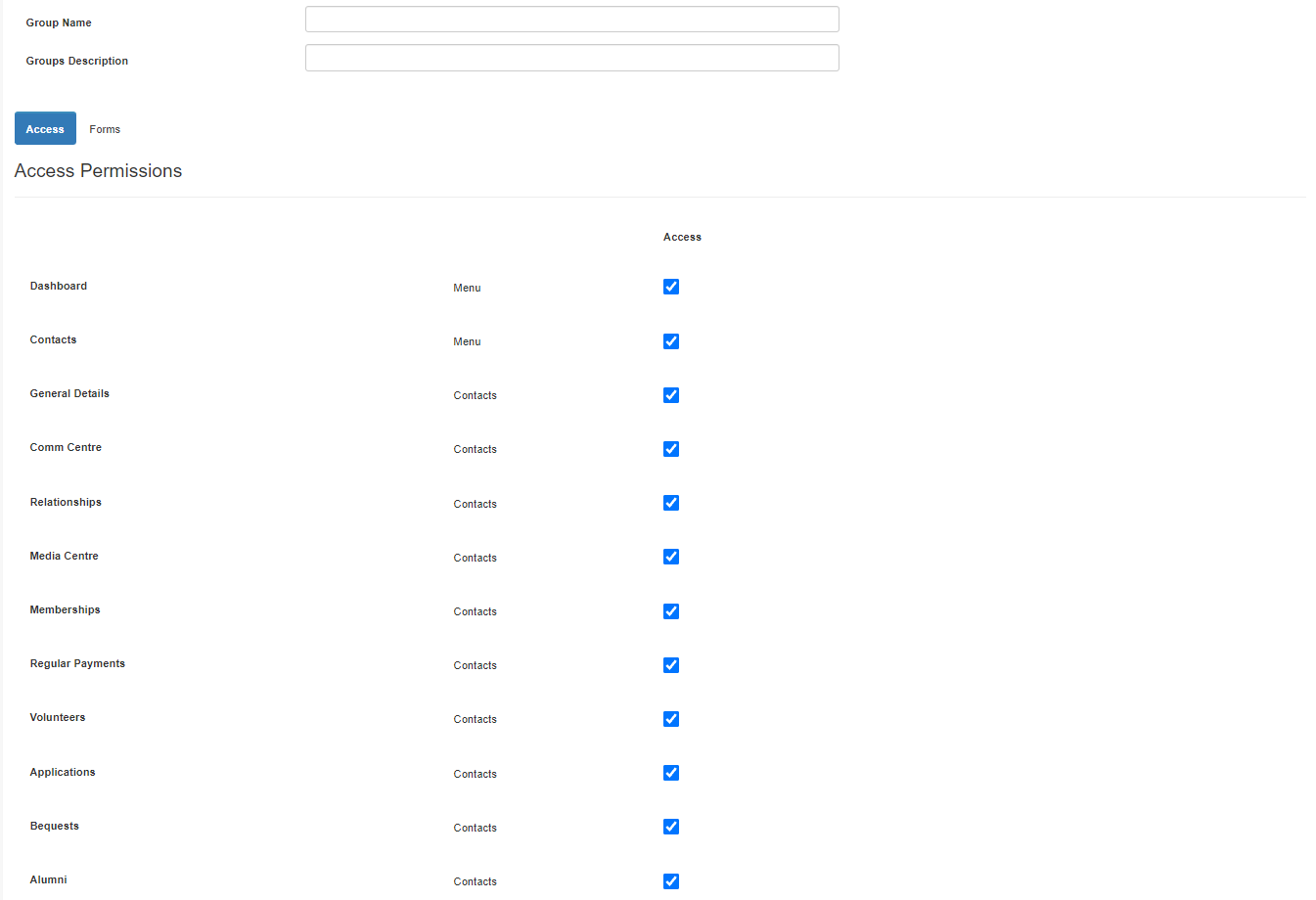
The following section allows for permission access to be set by simply checking the sections that the group require access. Firstly name the group, this is done in Group Name field. Group Description is used to describe the group.
Access: This sections is designed to lock menus and tabs within the contact card.
Forms: Allows permissions to be set on certain forms where Create, Read, Update and Delete options.
Set specific permissions for each form in the Forms tab.
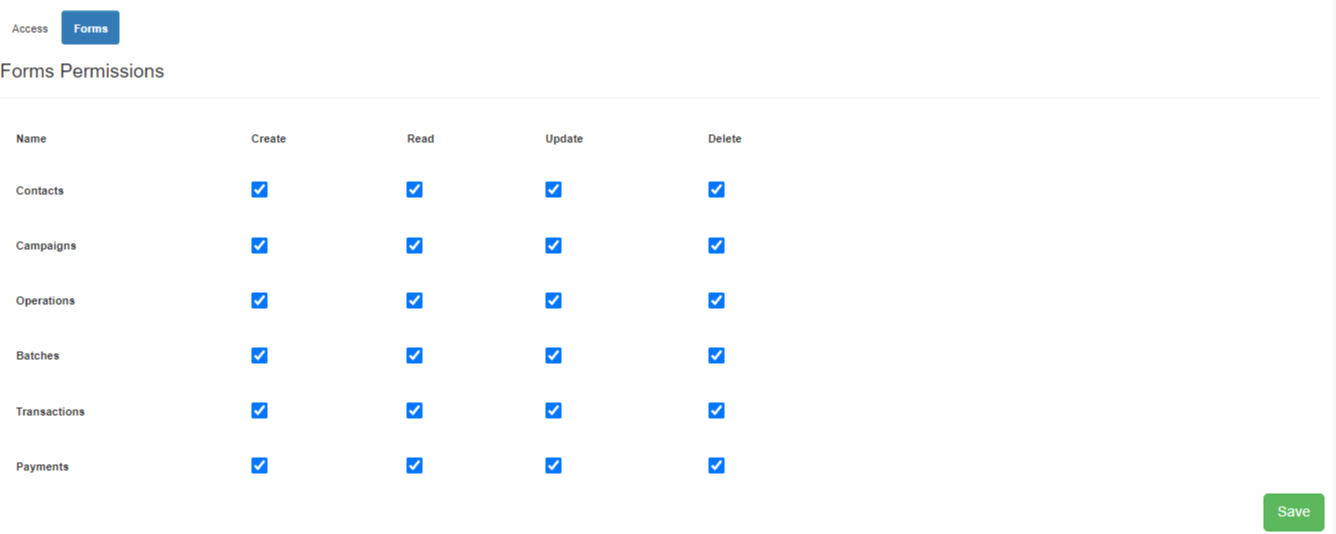
Step 3: Press Save, to use this group it needs to be allocated to a user. This can be done under the menu Users.