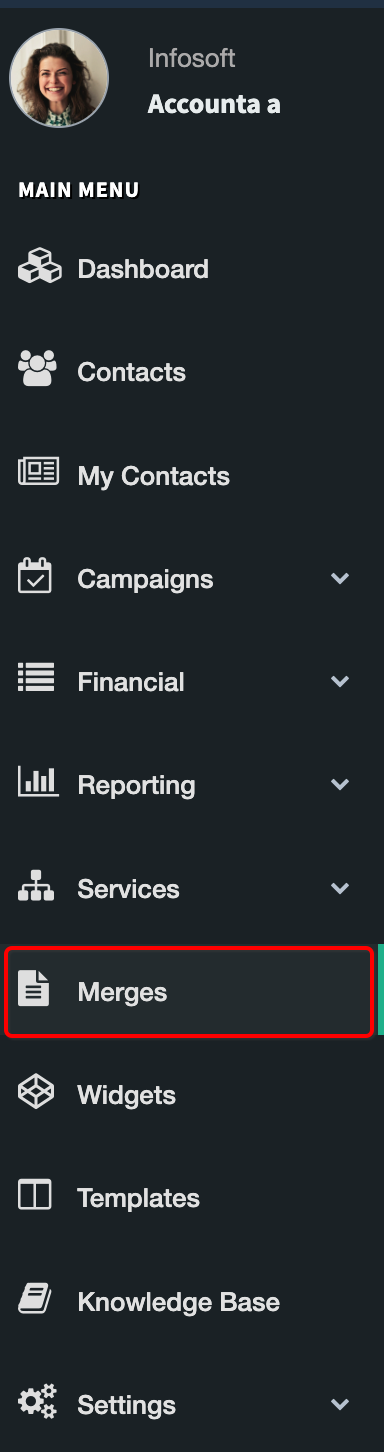
Merges area can be access from the menu is used to process merge tasks in the background, so users don’t need to wait while documents, emails, or SMS messages are generated. Once a merge is complete, each individual document, email, or SMS can be opened and edited if needed. This is especially useful when you want to personalise certain letters or add extra information before sending or publishing.
The Merges area is also used for exporting data to CSV. You can export data on its own, or export data and merge documents or emails at the same time, depending on what the task requires.
Many parts of the system automatically redirect users to the Merges screen when a merge or export action is triggered — for example, Receipting, Exporting Target Lists , and other functions Merge Email from Contacts
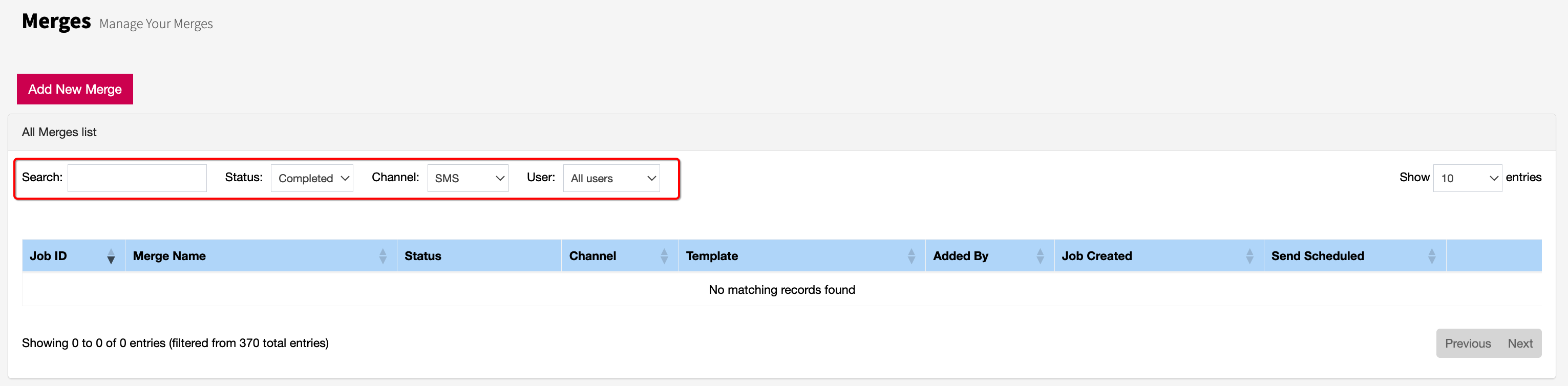
From the Merges screen, you can view all active merge tasks and check their status. The list can be filtered by Status or User to help you find what you need quickly.
Filtering by Completed shows all finished merges.
Selecting your user name displays only the merges you initiated.
This makes it easy to track progress, manage your workload, and ensure all communication and exports are processed correctly.
Each merge is assigned to a specific channel and includes a document. If a merge action involves multiple documents or channels, the system will create multiple merge tasks to handle each one separately.