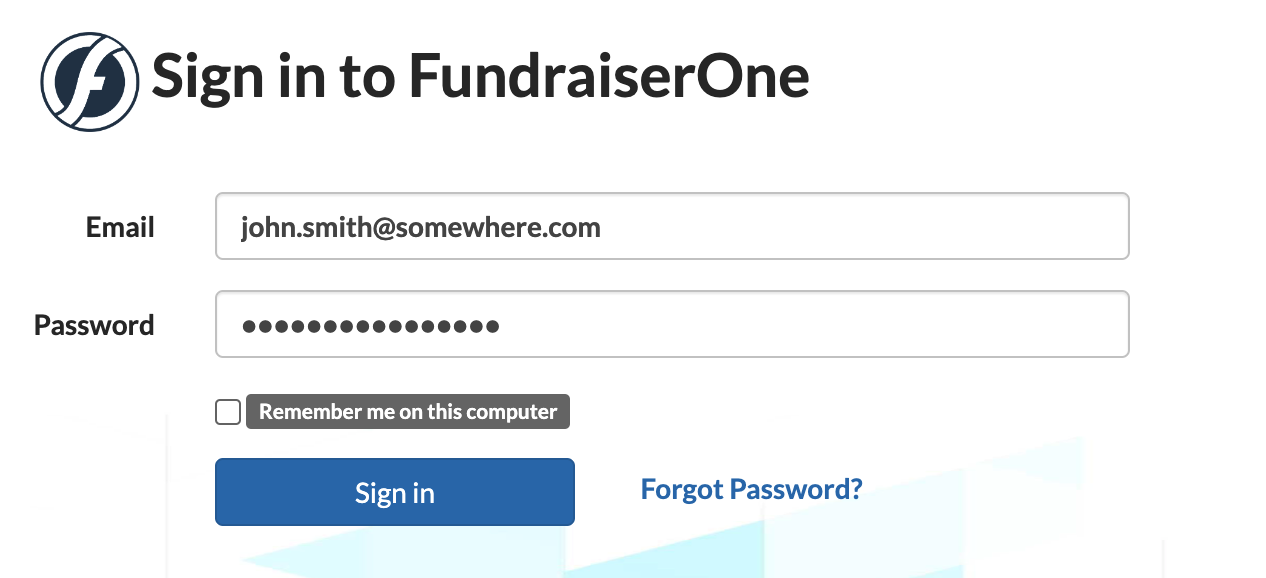
Multi-Factor Authentication (MFA) provides an additional layer of security to help protect your account. FundraiserOne offers MFA via both email and SMS, and we recommend enabling both for maximum protection. If you turn on both options, FundraiserOne will prompt you to choose how you’d like to receive your verification code.
Before MFA can be activated, the user must first verify their email address or mobile number. The instructions below outline how to set up MFA.
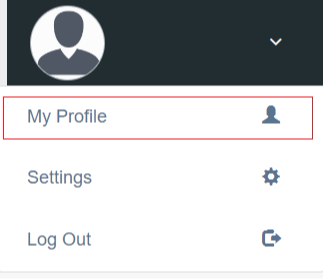
Step 1: Go to the upper right corner of the screen and click on the down arrow, from there select My Profile.
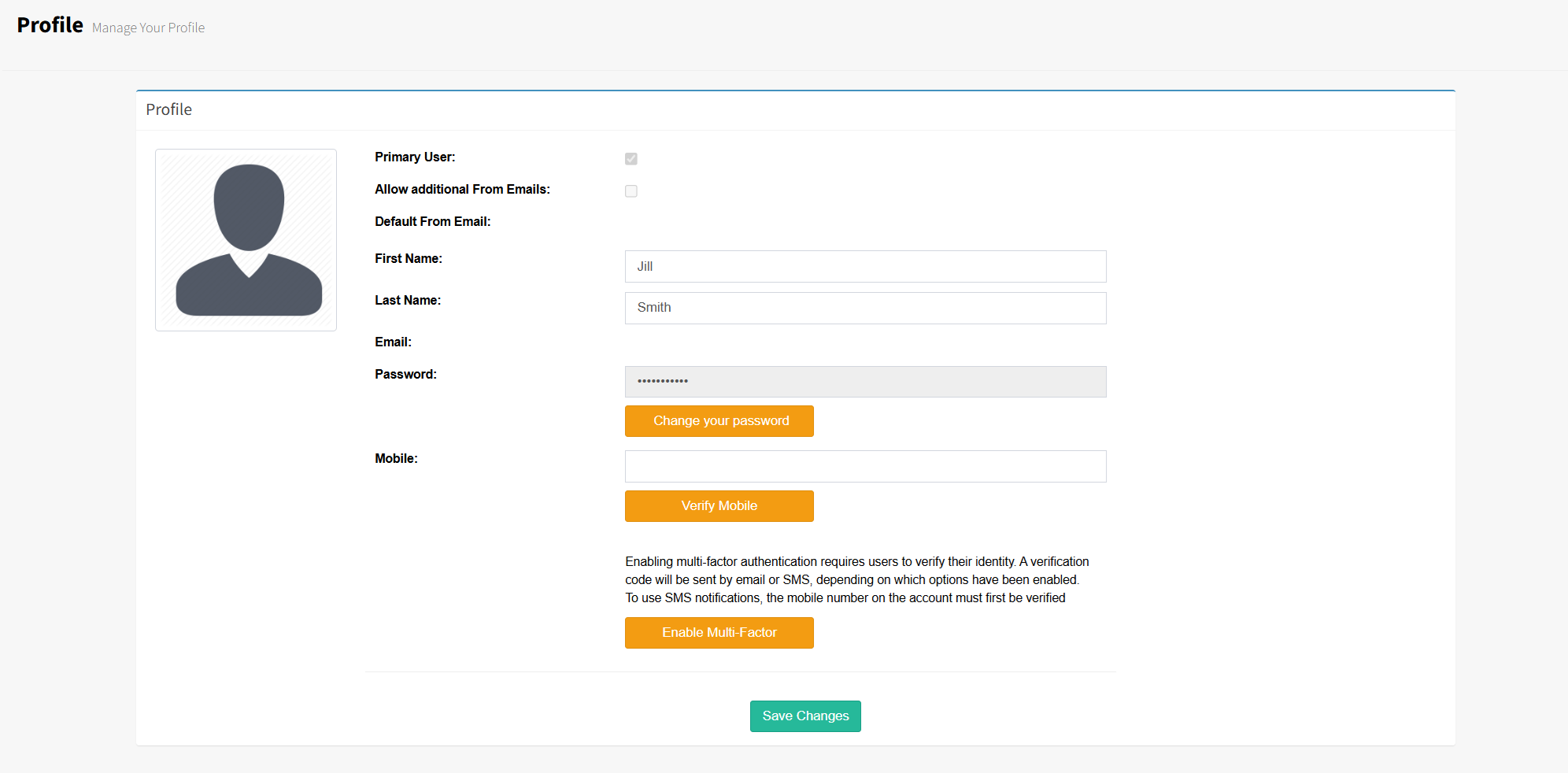
Step 2: Select Enable Two-Factor. An email containing a verification code will be sent to you. Enter this code into the system to complete your email verification.
If you choose to add a mobile number, a verification code will also be sent to your device. Enter that code into FundraiserOne to verify your mobile number.
Once both verifications are completed, two‑factor authentication will be fully enabled.
Note: There is also an option for users to remember them on safe device so they do not need authenticate every time they login.