

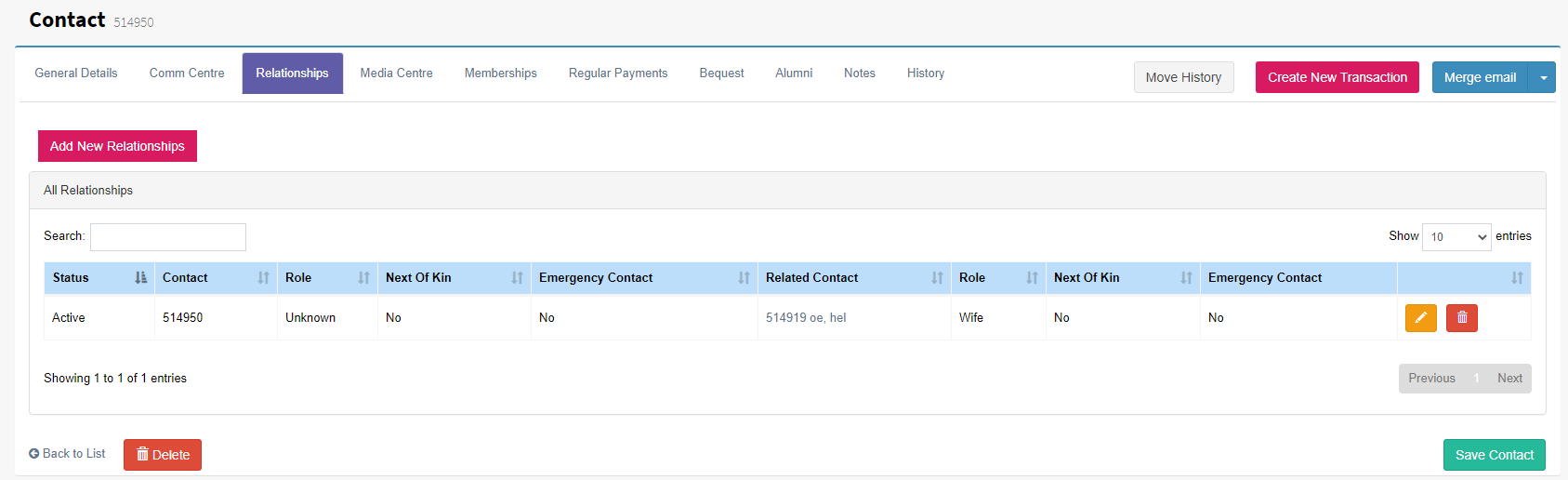
The Relationship tab allows contacts to be linked with their relationship types assigned. At a glance all related contacts can seen and accessed by selecting the related contact.
Tip: Use right click and select Open In New Tab this allows the user to maintain view of the main contact.
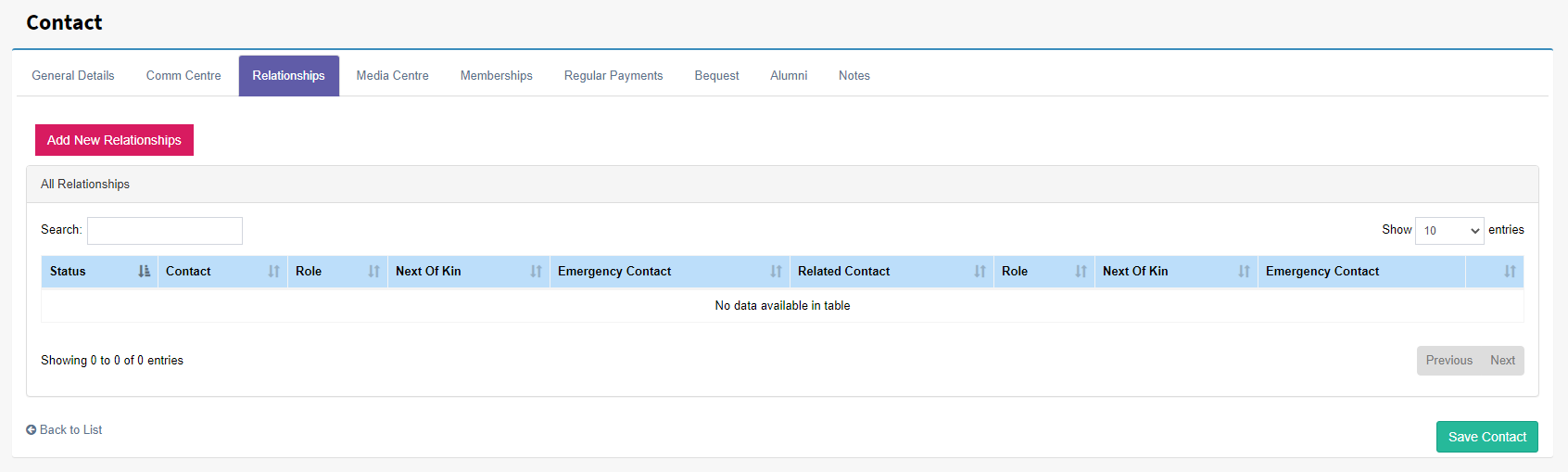
Add new Relationship
To create a relationship between contact select the contact and by using the Relationships tab select Add Nee Relationship. From here the related contact can be selected by using a lookup box to search for the contact. Other options like Roles, Next of Kin and Emergency Contact can be set.
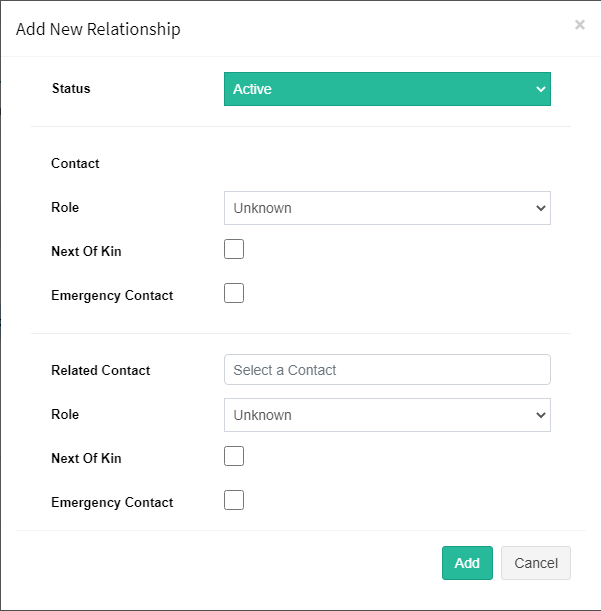
Once added the linked contact will the Relationships tab as shown below. To open the contact card of the related contact click on the Related Contact.
Note: To add Relationship Roles go to User Defined Lists under the settings menu or follow this link: Add new a relationship role. Only primary users can update User Defined Lists.