

The main Invoices sections shows all invoices where filters can be selected to view the active invoices. There is also used to send invoices or edit invoices quickly.
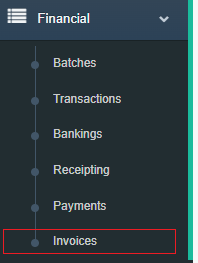
Step 1: Go to the Financials side menu and expand it and select invoicing.
Step 2: Use the filters to select specific invoices and the checkbox has borders that line up with Delete and Merge buttons below. This will show you which in invoices can be Merged and/or Deleted.
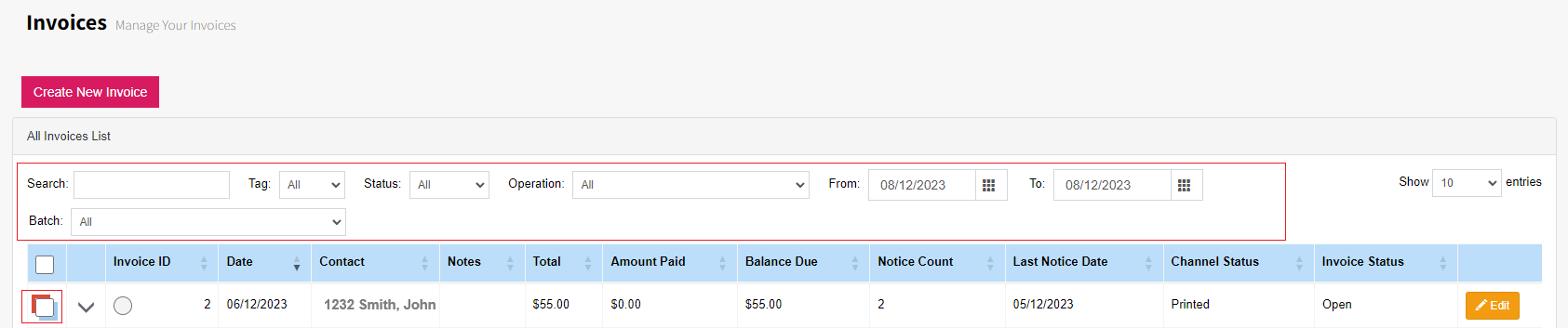
Step 3: Use the buttons for actions.
