
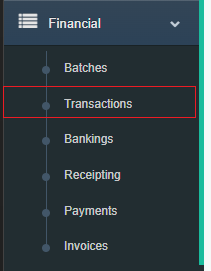
Step 1: Go to the Transactions screen from the Financials menu.
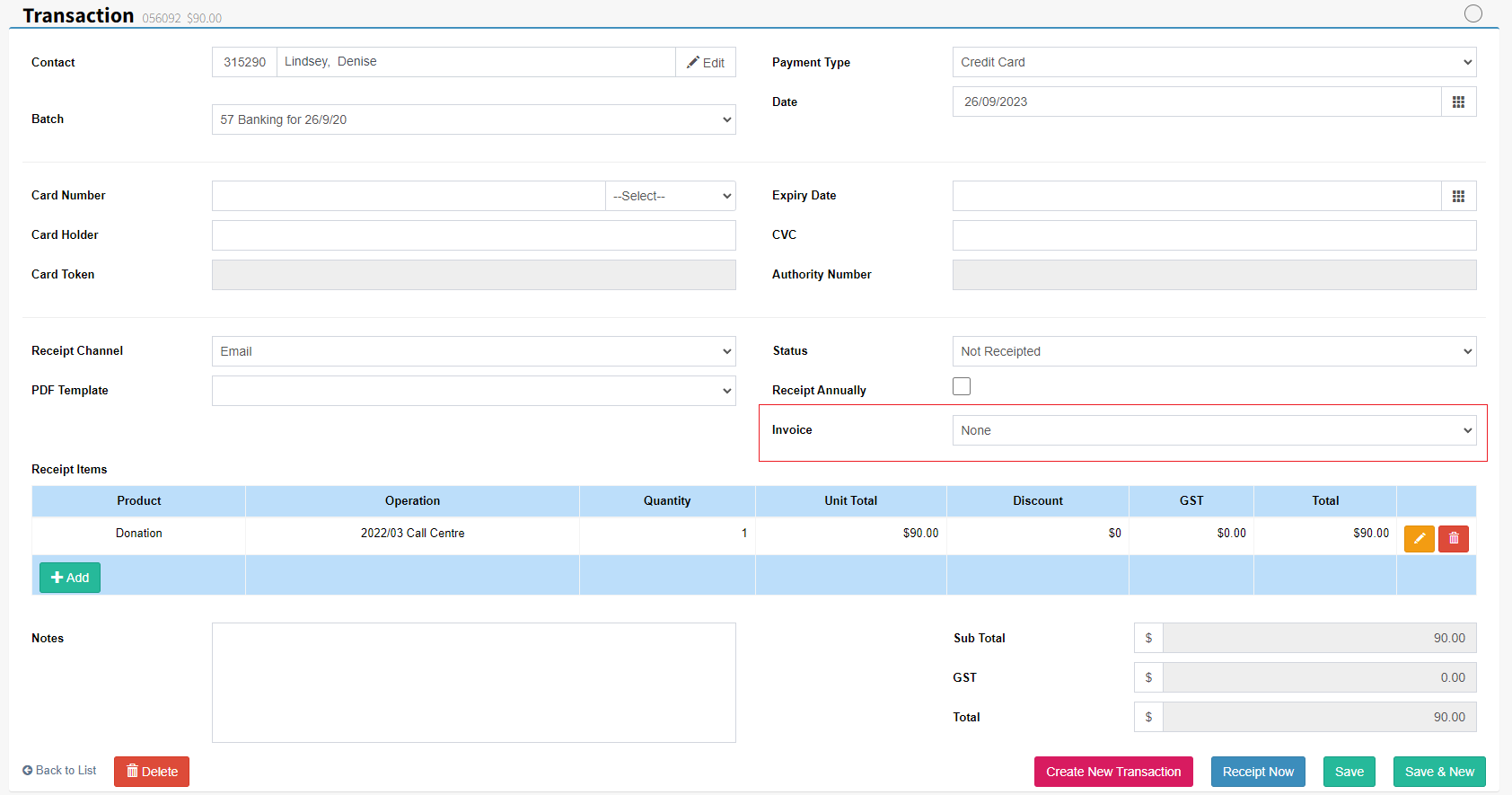
Step 2: Create a new Transaction and allocate the contact. If there are any open invoices use the Invoice drop down list to allocate the correct invoice to the transaction.

FundraiserOne
Invoicing
Allocating payments to invoices.
Last updated on 07 Dec, 2023
Step 1: Go to the Transactions screen from the Financials menu.
Step 2: Create a new Transaction and allocate the contact. If there are any open invoices use the Invoice drop down list to allocate the correct invoice to the transaction.