

This section shows how to create invoices and allocate them to contacts.
Step 1: Go to the Financials side menu and expand it and select invoicing.
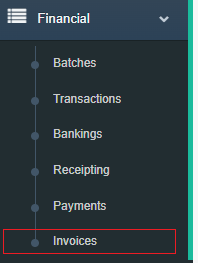
Step 2: The Invoices list will appear now which shows all Invoices in the system. To create a new invoice select the Create New Invoice button.
Note: Filters can be used in the Invoices list to narrow down viewing required invoices.
Step 3: Populate the invoice screen to create an invoice.
Contact: The contact the invoice will be allocated.
Date: Date of the invoice.
Batch: The batch allows users to group invoices so they easily be found.
Invoice Channel: Determines how the invoice will sent.
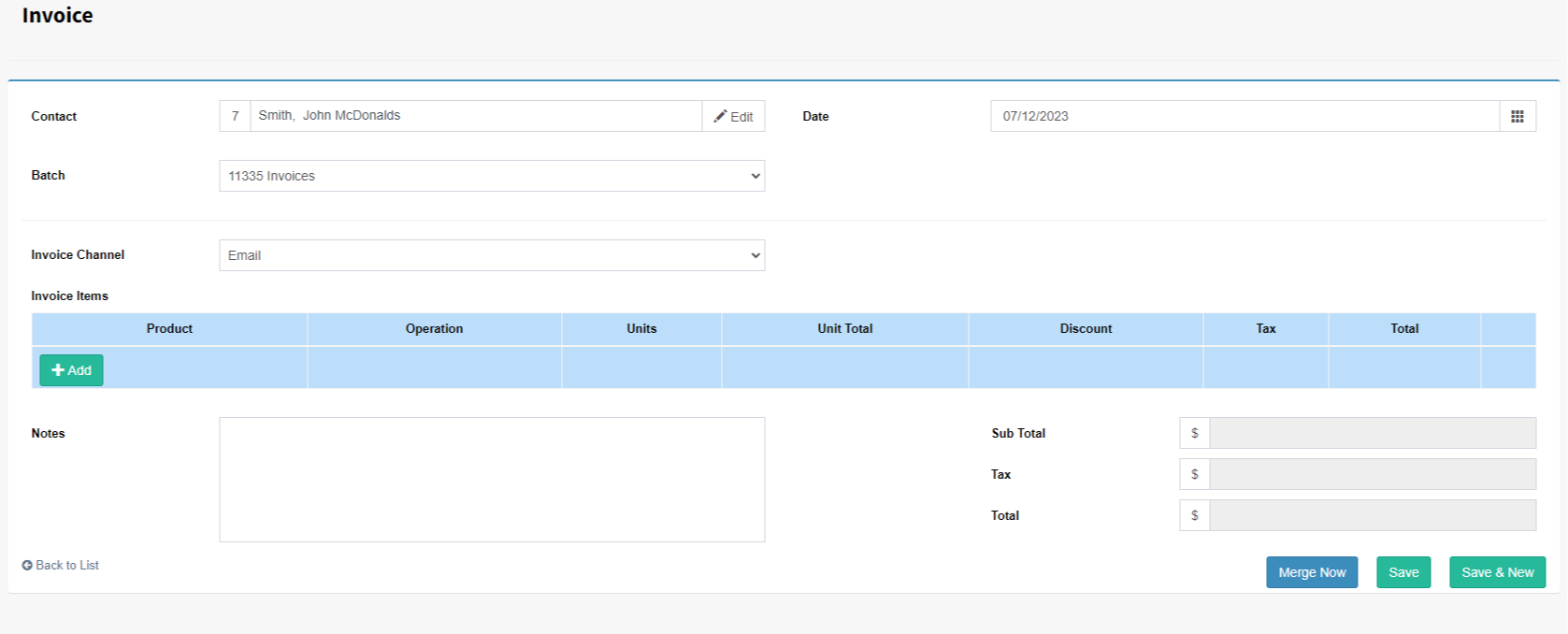
Step 4: Add invoice items by selecting a Product, Operation and Amount.
Step 5: Press Save.