Summary
The Mass Updating tool is fantastic for updating lots of records at once. In this example it can used to process returned mail by scanning the returned mail.
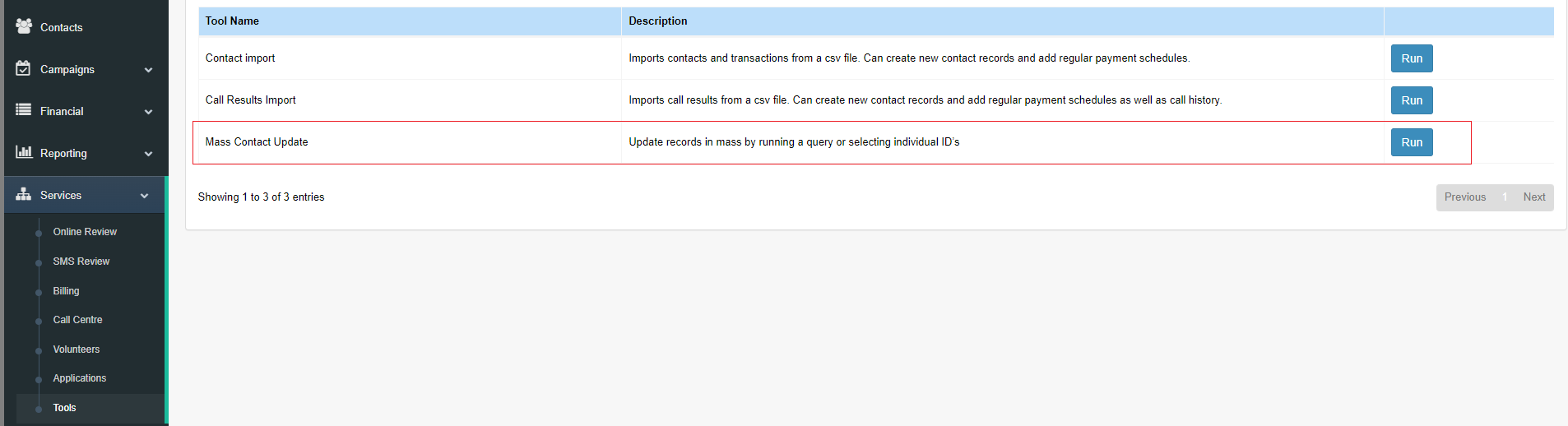
Step 1: Open the Mass Contact Update tool from the menu tools.
Step 2: Scan the barcodes to be updated this will a list of contacts below. Press the Next when all contacts are selected.
Note: For each record added there is a remove option so the list to update can be edited.
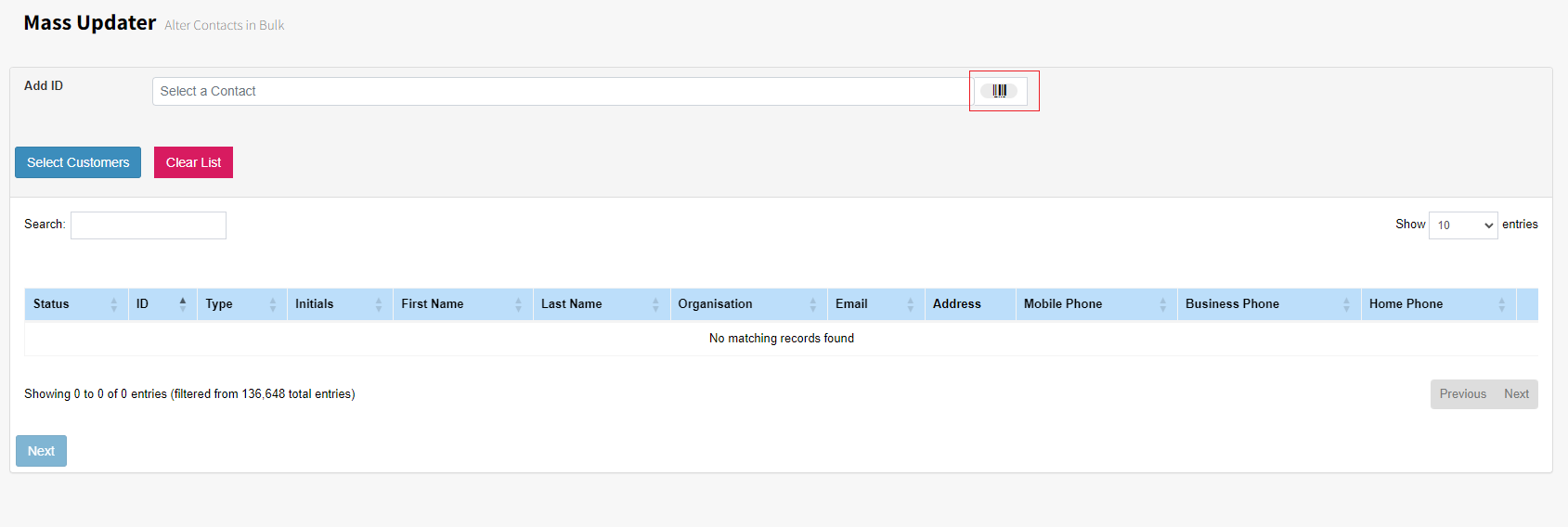
Select Customers: This opens the Query Generator where contacts can be selected by query.
Clear List: This removes selected contacts from the list below.
Search: Allows searching within the list selected.
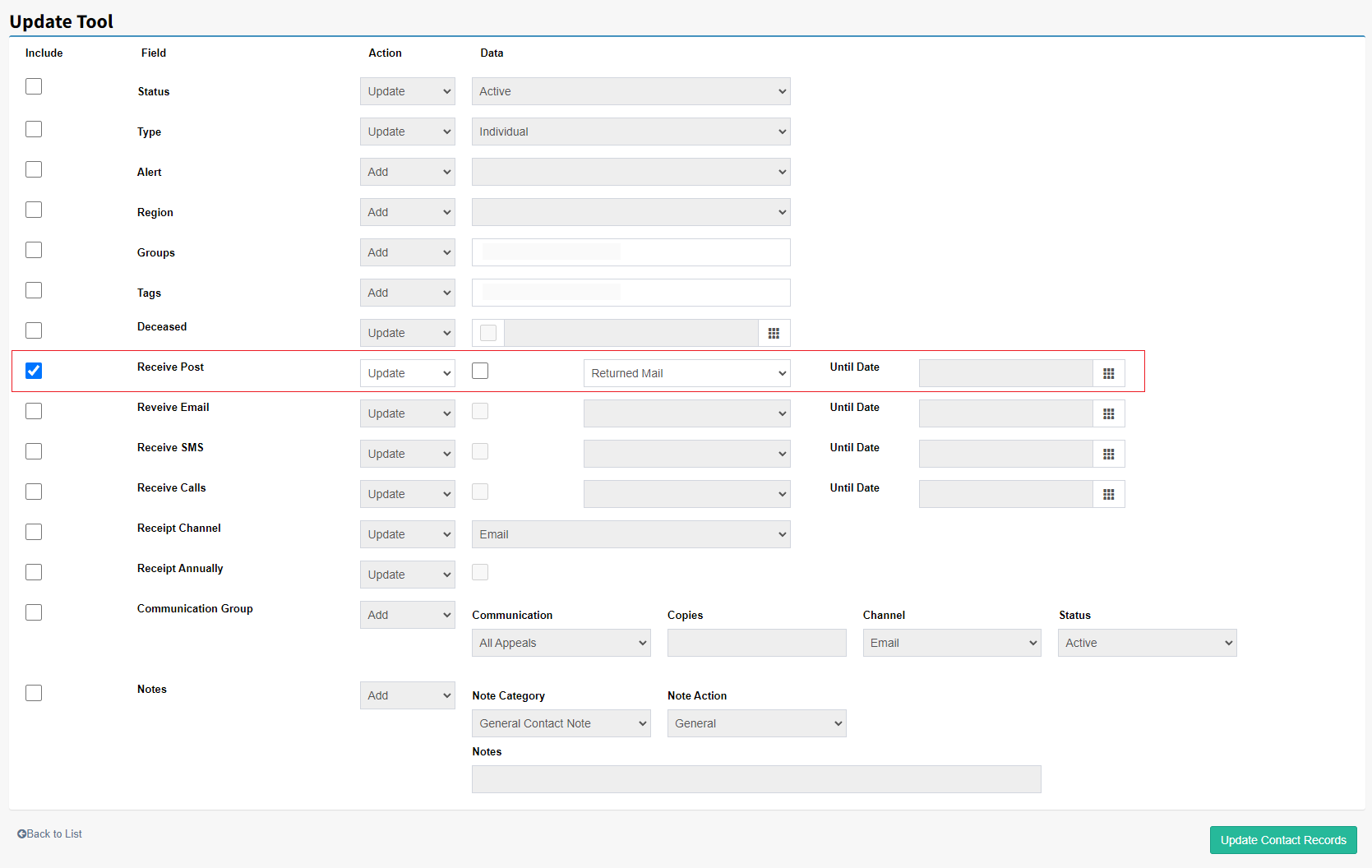
Step 3: For example below the system will update the selected contacts to Returned Mail. Once the settings have done press Update Contact Records below and it will update the selected records.